How to Record Rumble Streams (2026)
Rumble has grown into a significant live streaming platform, and if you follow creators there, you've probably run into the same issue that brought me to writing this guide: not every Rumble livestream ends up as a saved video you can rewatch.
Some Rumble creators archive their live streams as VODs automatically. Others don't. And Rumble's linear "Rumble Live" programming, where shows flow one into the next throughout the day, is designed around the live experience. If you miss a live show and it wasn't archived, or if a creator removes a VOD, the content is gone. That's the gap recording fills.
What Rumble Is
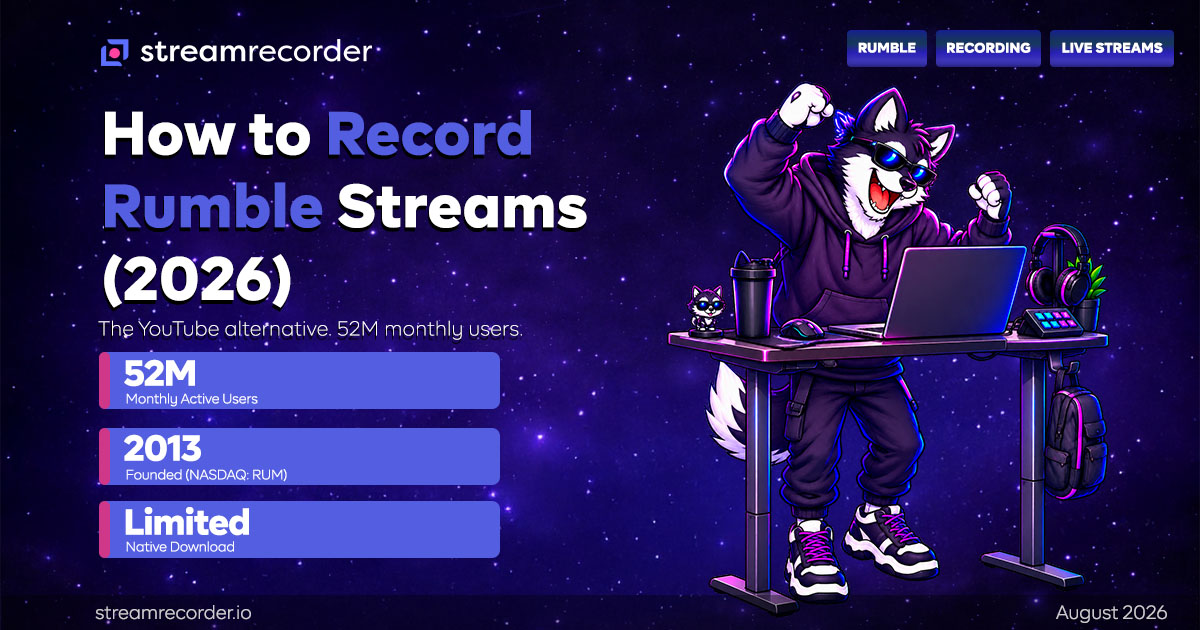
Rumble is a video sharing and live streaming platform founded in 2013 in Canada. It's publicly traded on NASDAQ under ticker RUM, having gone public in 2022. The platform positions itself as a YouTube alternative that emphasizes creator independence and broad viewpoint tolerance.
Rumble reached 52 million monthly active users in Q4 2025, up from 47 million in Q3, and crossed $100 million in annual revenue. The platform hosts video on demand and live streaming across news, commentary, entertainment, gaming, and lifestyle content.
On the live streaming side, Rumble offers Rumble Studio, a browser-based streaming tool that lets creators go live without OBS, and supports RTMP for those who prefer external software. Rumble Studio also supports multistreaming to other platforms like YouTube, Twitch, X, and Facebook. In March 2025, Rumble launched Rumble Live, a linear lineup of creator shows that run throughout the day using "Rumble Raiding" technology to pass audiences from one show to the next.
Getting streaming access on Rumble is relatively low-friction. Creators can unlock live streaming through phone verification, a small follower count (around 5 followers), or a Premium subscription.
Rumble's Recording and Download Situation
Rumble's VOD situation is inconsistent from a viewer's perspective. Some live streams are automatically archived as videos that stay on the creator's channel and can be rewatched. Others are not archived, or are removed by the creator after the broadcast.
There's no universal viewer download button for saving streams to your device. Rumble Premium ($9.99/month) removes ads for viewers but isn't a download solution. For creators, Rumble provides some tools to manage their own content, but viewers who want to keep a copy of a broadcast have no native option.
The Rumble Live linear programming is particularly relevant here. Because these shows are built around the live, flowing broadcast experience, catching a specific show after the fact depends entirely on whether it was archived. If you want to reliably keep Rumble live content, external recording is the answer.
Method 1: Cloud Recording
StreamRecorder.io now supports Rumble. Add the creator's Rumble channel, and the service monitors it, recording automatically whenever they go live. The recording happens on remote servers independent of your device.
This solves the archival inconsistency. Instead of hoping a creator archived their stream, or racing to watch a VOD before it's removed, cloud recording captures the broadcast as it airs and stores your own copy. Whether or not the creator archives it on Rumble, you have the recording.
Free tier covers 720p with up to three channels. Paid plans go up to 4K. For talk-and-commentary content, which is a large part of Rumble's live programming, 720p is more than sufficient. For gaming content, the higher quality tiers reduce compression on fast motion.
For more on how cloud recording compares to local methods, see the StreamRecorder vs OBS comparison.
Method 2: yt-dlp for Archived VODs
For Rumble streams that are already archived as VODs, yt-dlp can often download them directly. yt-dlp supports Rumble as one of its extractors, so pasting an archived Rumble video URL into the tool can pull the video file.
This works only for content that's already archived and publicly available. It can't record a live broadcast in real time, and it can't retrieve a stream that was never archived or has been removed. yt-dlp also requires command-line comfort. For grabbing a specific archived VOD, it's efficient. For catching live streams reliably, it doesn't solve the problem.
Method 3: Desktop Recording with OBS
Rumble has a full web player at rumble.com, so desktop recording with OBS is more viable here than on mobile-first platforms. Set OBS to capture the browser window playing the stream, and record to your drive with full quality control.
The tradeoff is the usual one. You must be at your computer with OBS running when the stream airs. For scheduled shows in the Rumble Live lineup where you know the time, this is workable if you're available. For spontaneous streams, cloud recording's automatic monitoring is more reliable.
Method 4: Browser Extensions
Browser extensions that detect video streams can sometimes capture Rumble VODs playing in a browser tab. Reliability is inconsistent, and they generally don't work on live broadcasts. This is a last-resort option for grabbing a specific archived video if the other methods aren't available.
Tips for Recording Rumble
Know which creators archive and which don't. Some Rumble creators reliably archive every stream. Others don't. For creators who don't archive, cloud recording is essential since there's no VOD to fall back on.
Rumble Live shows follow a schedule. The linear programming lineup has set times. If you're tracking specific shows, you can anticipate when they air and ensure cloud recording is active.
Use the channel URL for setup. Find the creator's Rumble channel URL and paste it into StreamRecorder.io to start monitoring.
Archived VODs can still disappear. Even when a stream is archived, the creator can remove it later. If a broadcast matters to you, capturing it live through cloud recording means you're not dependent on the VOD staying up.
Bottom Line
Rumble has grown into a major live streaming platform with 52 million monthly users and its own linear programming model. The content spans news, commentary, gaming, and entertainment. But the inconsistent archival, where some streams become permanent VODs and others vanish, makes recording valuable for anyone who wants to reliably keep Rumble live content.
Cloud recording captures broadcasts as they air, independent of whether the creator archives them. For the Rumble Live shows and any creator who doesn't reliably archive, it's the practical way to make sure you don't lose content you care about.
For recording guides on other platforms, see our guides for YouTube Live, Twitch, and Kick. Start with the complete guide to recording live streams. Platform data lives at the StreamRecorder Research Hub.