Free vs Paid Stream Recording: What Do You Actually Get?
Everyone wants the free option. I get it. When you're trying to save a stream, paying for the privilege feels unnecessary, especially when free tools like OBS exist and work well.
So let me be straight about this: free stream recording is real, some free tools are genuinely excellent, and for a lot of use cases free is the correct choice. But free has costs that don't appear on the price tag, and understanding those costs is the difference between picking the right tool and picking the cheap one that ends up failing you when it matters.
I've used every free and paid option across a year of recording streams for this series. Here's the honest breakdown.
What "Free" Actually Means
There are two kinds of free in stream recording, and they're very different.
Free software means a tool that costs nothing to use, with no premium tier gating the core functionality. OBS Studio is the definitive example. It's free, open source, and there's no paid version that unlocks better recording. What you get free is the full product.
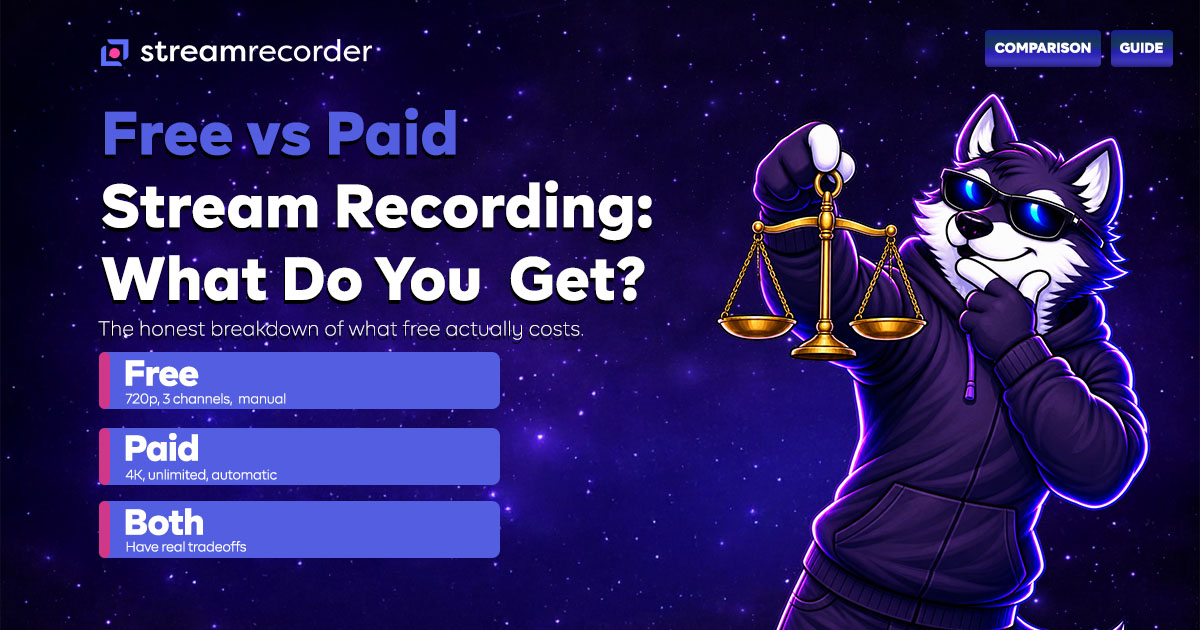
Free tier means a paid service that offers a limited version at no cost, with paid plans unlocking more. StreamRecorder.io's free tier (720p, 3 channels) is an example. The free version works, but it's deliberately limited to encourage upgrades.
These two models have completely different tradeoffs, so let's look at each.
Free Software: OBS and yt-dlp
The best free stream recording tools are OBS Studio and yt-dlp. Both are genuinely free, both are excellent at what they do, and neither has a paid tier holding back functionality.
What you get: Total capability. OBS records at any quality your hardware supports, with full control over encoding, format, and output. yt-dlp downloads archived VODs at source quality with no restrictions. There's no artificial limitation. The full power of the tool is available to everyone.
What it costs you (that isn't money):
Time and effort. OBS requires setup, configuration, and your active presence during every recording. yt-dlp requires command-line comfort and only works on already-archived content. The tools are free, but your time isn't. If you're recording regularly, the manual effort adds up.
Reliability. Free local tools depend on your hardware. OBS recordings fail when your computer sleeps, crashes, fills up, or loses internet. I documented a 64% success rate on manual OBS recording in the StreamRecorder vs OBS comparison. The tool is free, but the failed recordings cost you the content.
Automation. Neither OBS nor yt-dlp monitors channels and records automatically when a streamer goes live. You have to be present, or the content has to already be archived. For following live streamers across time zones, free software can't solve the timing problem.
Free software is the right choice when: you're recording your own streams, you're capturing something you're actively watching, you need exact encoding control, or you're downloading already-archived VODs. In those cases, OBS and yt-dlp are not just adequate, they're the best tools available at any price.
Free Tiers: The Limited-But-Real Option
Paid services with free tiers, like StreamRecorder.io, offer a different deal.
What you get free: Automatic cloud recording, but capped. StreamRecorder.io's free tier covers 720p resolution and up to three channels. The core functionality (automatic monitoring, cloud recording, no local hardware needed) is fully present. You just get less of it.
What the limits mean in practice:
Resolution cap. 720p is fine for most content, especially conversational streams, mobile-originated broadcasts, and casual viewing. It's noticeably softer on fast-motion gaming content where a higher bitrate matters. If you're recording esports or high-action gameplay, the free tier's 720p is a real limitation.
Channel cap. Three channels is enough if you follow a few streamers. If you're tracking creators across multiple platforms, or monitoring competitors for business purposes, three channels fills up fast.
The free tier is genuinely useful, not a crippled demo. For someone following two or three streamers and wanting automatic recording without babysitting, the free tier does the job completely.
What Paid Actually Buys You
So when is paying worth it? Specific things.
Higher quality. Paid plans unlock resolution up to 4K. For gaming content, esports, or anything where visual fidelity matters, this is the biggest reason to upgrade. 720p vs 4K is a real difference on fast-motion content.
More channels. If you follow more than three streamers, or you're monitoring multiple platforms, or you're doing this for business (competitive intelligence, live commerce archiving), paid plans expand the channel count to match.
Reliability at scale. The automatic, cloud-based recording that free tiers offer in limited form becomes genuinely powerful when you can point it at everything you care about. The value isn't in any single recording, it's in never missing anything across your entire list of followed creators.
StreamRecorder.io's paid plans run $12.99, $19.99, and $49.99 depending on the tier, unlocking progressively higher quality and more channels.
The Honest Comparison Table
Instead of a marketing table, here's how I'd actually advise someone based on their situation.
"I record my own streams." Free software (OBS). Paying for a cloud service doesn't help you record your own local output. OBS is the right tool and it's free.
"I grab archived VODs occasionally." Free software (yt-dlp). It's free, fast, and does exactly this. No reason to pay.
"I follow 2-3 streamers and want automatic recording." Free tier (StreamRecorder.io). Three channels and 720p covers this completely at no cost.
"I follow lots of streamers across platforms." Paid. Once you exceed three channels, the free tier can't keep up, and manual free tools can't automate the monitoring.
"I record fast-motion gaming or esports." Paid, for the quality. 720p is a real limitation on high-action content. The higher resolution tiers are worth it here.
"I'm doing this for business." Paid. Competitive intelligence, live commerce archiving (covered in Live Commerce Recording), and professional content workflows justify the cost easily.
"I want maximum reliability and zero effort." Paid. The whole value proposition of paid cloud recording is that it works automatically, across everything, without you managing it.
The Real Cost of Free
The thing nobody tells you about free recording is that its cost shows up as missed content.
Free software is free until the recording you needed fails because your computer slept, or you forgot to hit record, or the stream happened at 3am while you were asleep and there was no automation to catch it. The dollar cost is zero. The cost in lost content can be significant, especially for content that can't be recreated (unarchived streams, one-time events, broadcasts from creators who later delete their channels).
Free tiers are free until you hit the channel cap or need the quality that only paid unlocks. At that point, the free tier has done its job of showing you the value, and the upgrade decision comes down to whether the additional capability is worth the cost for your specific situation.
Neither of these is a knock on free. Free is often the right answer. But "free" and "no cost" aren't the same thing, and the smart move is understanding the real tradeoffs rather than defaulting to whatever costs zero dollars.
Bottom Line
Free stream recording is real and often excellent. OBS and yt-dlp are the best tools at any price for their specific use cases, and they're free. StreamRecorder.io's free tier genuinely works for anyone following a few streamers.
Paid recording earns its cost in specific situations: high channel counts, high quality needs, business use, and maximum reliability with zero effort. The right choice depends entirely on what you're doing.
Don't pay for what you don't need. But don't let "free" cost you the content that mattered. Match the tool to the job, and be honest with yourself about which job you're actually doing.
For the full breakdown of every recording tool and method, see the Best Stream Recorders in 2026 comparison. For the cloud vs local question specifically, see Cloud Recording vs Screen Recording.
Start with the complete guide to recording live streams. For platform-specific recording guides and industry data, visit the StreamRecorder Research Hub.