How Journalists and Researchers Use Stream Recording
A protest breaks out on a Telegram live stream at 2 AM. By sunrise the stream is gone. The broadcaster deleted it, the platform pulled it, or maybe both. Doesn't matter. The footage is just — gone.
That's the reality journalists and researchers deal with constantly. And it's exactly why stream recording has quietly become one of the most important tools in the modern investigative toolkit.
I've watched this shift happen in real time. StreamRecorder started as a tool for people who wanted to save their favorite gaming streams or catch a concert they'd miss. It still does that. But over the past year, I've noticed a very different kind of user showing up. People who aren't recording streams for entertainment. They're recording them for evidence.
The Disappearing Internet Problem
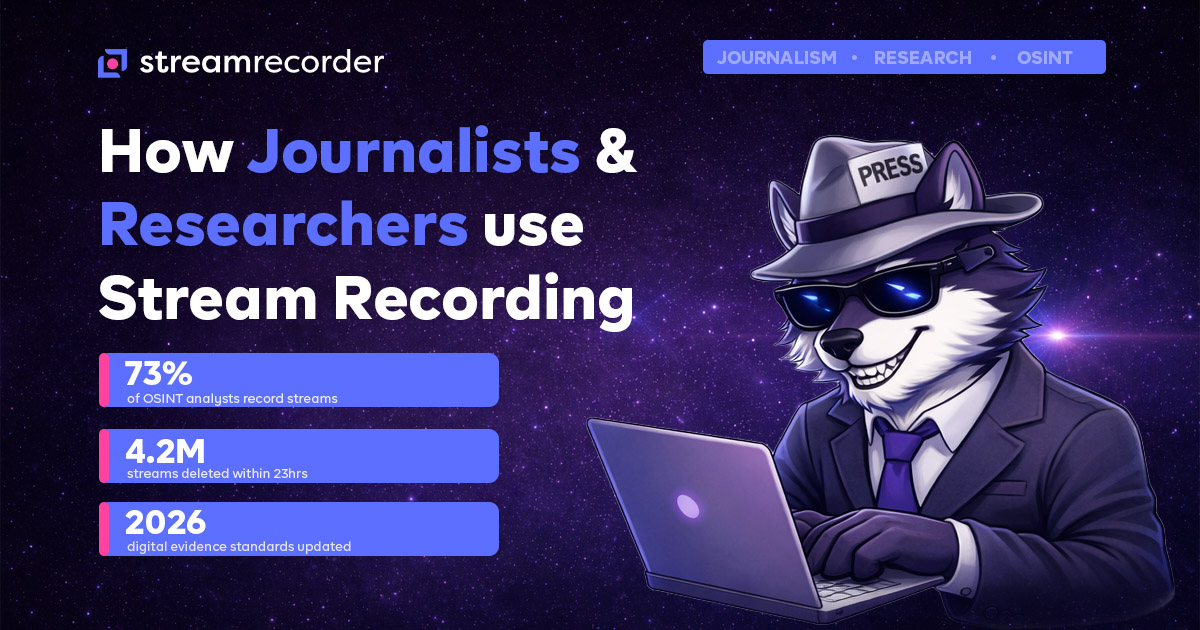
Here's a number that should bother you: an estimated 4.2 million live streams are deleted or expire within 24 hours of broadcast. That stat floats around in digital preservation circles and nobody really disputes it. Platforms auto-delete VODs after set windows. Broadcasters nuke controversial streams. Entire channels vanish overnight when accounts get banned.
For a casual viewer, that's annoying. For a journalist working a story, it's a catastrophe.
The old approach was screenshots. Maybe a screen recording app running on a laptop with questionable audio sync. I talked to a freelance investigative reporter last year who told me she used to keep OBS running on a dedicated machine whenever she was monitoring streams for a story. "I'd lose footage constantly," she said. "The app would crash, my laptop would sleep, the stream would buffer and I'd get a corrupted file."
Cloud-based recording changed that equation completely. You set it up, the recording happens on a server, and you get a clean file regardless of what your local machine does. That's not a sales pitch — it's just the mechanical difference, and it matters when your footage might end up in a court filing or a published investigation.
Who's Actually Doing This
The use cases break down into a few distinct camps, and they overlap more than you'd expect.
Investigative journalists are the most obvious group. They're monitoring streams from conflict zones, political rallies, extremist channels, and breaking news events. The workflow is pretty straightforward: identify streams of interest, record them in bulk, review the footage later for newsworthy content or contradictions with official narratives. What makes this tricky is volume. A single story might require monitoring dozens of streams across multiple platforms over weeks.
OSINT researchers — open source intelligence analysts — are arguably the power users here. A 2024 survey from the Digital Forensic Research Lab found that roughly 73% of OSINT analysts regularly capture live stream content as part of their investigations. These are people tracking disinformation campaigns, documenting human rights violations, and building evidence chains for international tribunals. For them, a deleted stream isn't just lost content. It's a broken link in an evidentiary chain.
Academic researchers round out the third group. Media studies, political science, communications — these fields increasingly treat live streams as primary source material. A researcher studying how misinformation spreads during election cycles needs the actual stream footage, not a summary of it. They need timestamps. They need chat overlays. They need the unedited, raw broadcast.
Then there's a fourth group nobody talks about much: legal teams. Attorneys working defamation cases, employment disputes, intellectual property claims. Live streams are increasingly entering evidence in litigation, and the standards for digital evidence are getting stricter, not looser.
The Evidence Chain Problem
This is where it gets technical, and where a lot of people get it wrong.
Recording a stream is step one. Proving that your recording is an accurate, unaltered capture of what actually aired — that's the hard part. Digital forensics experts call this "chain of custody" and courts take it seriously.
When you record a stream with StreamRecorder, the file metadata includes timestamps, platform source, and stream identifiers. That's not the same as a courtroom-ready forensic package, and I won't pretend it is. But it's a starting point that's dramatically better than "I took a screenshot on my phone."
The 2026 updates to digital evidence standards in several jurisdictions have pushed this conversation forward. More courts are accepting cloud-captured recordings as evidence, provided there's adequate documentation of the capture process. The key word there is "process." Having a consistent, repeatable method for capturing streams matters more than any single technical feature.
Some researchers I've spoken with use StreamRecorder alongside hash verification tools. They'll record a stream, immediately generate a SHA-256 hash of the file, and store that hash in a timestamped log. If the file's integrity is ever questioned, the hash proves it hasn't been modified since capture. Smart workflow. Simple to implement.
What a Typical Research Workflow Looks Like
Let me walk through a real scenario. Not hypothetical — this is based on conversations with actual users, with details generalized for obvious reasons.
An OSINT analyst is tracking a network of accounts spreading coordinated disinformation across three platforms. The accounts broadcast live streams at irregular intervals, sometimes simultaneously. The analyst sets up StreamRecorder to monitor and capture specific channels across Twitch, YouTube, and a smaller platform.
Over two weeks, the system captures 47 streams. The analyst reviews them using timestamps and chat replay to identify coordination patterns — similar talking points appearing across "unrelated" accounts within minutes of each other. They cross-reference with the stream's metadata to confirm timing.
The result? A documented evidence package that gets shared with platform trust and safety teams and, in this case, a news outlet that published the investigation. The streams that were central to the story were deleted within hours of publication. Didn't matter. The recordings existed.
That's the kind of thing you can't do with screenshots. You can't do it with a phone pointed at a monitor. You need reliable, automated, cloud-based capture.
The GIJN Connection
For context on how mainstream this has become: the Global Investigative Journalism Network has been running workshops on digital evidence preservation for the past three years. Stream recording comes up in nearly every session. The tools have matured to the point where they're not just for technically sophisticated users anymore.
StreamRecorder fits into that ecosystem because it removes the technical barrier. You don't need to configure OBS. You don't need a dedicated machine. You don't need to understand RTMP or HLS protocols. You paste a URL, hit record, and get a file. That accessibility matters when the people doing the recording are journalists and researchers, not IT administrators.
Platform Coverage Matters More Than You Think
Different stories happen on different platforms. A conflict zone might stream on Telegram. A political rally streams on YouTube. Extremist content shows up on niche platforms. Academic research might require capturing streams from regional platforms in specific countries.
StreamRecorder supports recording across major platforms — and that breadth isn't a feature bullet point, it's a practical necessity. An investigation doesn't wait for you to find a compatible tool for each platform. The streaming landscape is more fragmented than ever, and a recording tool that only handles one or two platforms is a liability.
Our Bilibili recording guide covers one example of platform-specific nuances. Every platform has quirks. Regional restrictions, authentication requirements, stream format variations. The point is: you need a tool that handles the messiness of the real streaming ecosystem.
Privacy and Ethics: The Uncomfortable Part
I'd be dishonest if I didn't address this. Recording streams raises legitimate privacy questions. Just because something is broadcast live doesn't automatically mean recording it is ethical in every context.
Most journalists and researchers operate under institutional ethics guidelines that address this. University IRBs have protocols for recording publicly available content for research purposes. Newsrooms have editorial standards for using recorded footage. OSINT analysts working with NGOs or government agencies have their own frameworks.
The technology is neutral. StreamRecorder records streams. What you do with those recordings is governed by your professional ethics, your institutional policies, and in many cases, the law. We don't provide legal advice — consult an actual attorney if you're unsure about the legality of recording specific content in your jurisdiction.
What I will say is this: the ability to record has become inseparable from accountability journalism. The same tools that could theoretically be misused are the same tools that documented war crimes, exposed election interference, and held powerful people accountable when they thought the evidence would simply disappear.
Getting Started
If you're a journalist or researcher looking to incorporate stream recording into your workflow, here's the honest assessment: it's not complicated, but you should be deliberate about it.
Start with one investigation or one research project. Identify the streams you need to capture. Set up the recordings. Build your documentation process — file naming conventions, hash logs, metadata records. Test it before the critical moment arrives. You don't want to be learning the tool during a breaking news event.
StreamRecorder's cloud-based approach means you're not dependent on your hardware, your internet connection, or your physical presence. That matters when you're covering a story across time zones or monitoring streams that go live at unpredictable times.
The streams that matter most are the ones that disappear. Record them before they do.
StreamRecorder.io is a cloud-based platform for recording live streams across major platforms. Start recording at streamrecorder.io.